
In This Article
Landing at Ben Gurion with no data is a small problem that can quickly become a long one. You need directions, ride options, messages, booking details, and often a way to receive security codes. A dual SIM setup lets you keep your regular number active while using a prepaid Israeli eSIM for local mobile service from the moment you arrive.
For most travelers, this is the cleanest way to avoid expensive roaming without giving up access to their home number. Your eSIM can handle data and, depending on the plan, local calls, SMS, hotspot use, and a real Israeli +972 number. Your primary line stays in place for calls, texts, and account verification when you need it.
What a Dual SIM Setup Does
A dual SIM phone can use two mobile lines at once. On many newer smartphones, that means one physical SIM plus one eSIM, or two eSIMs. The exact combination depends on your phone model, carrier settings, and whether the device is unlocked.
For a trip to Israel, the practical arrangement is simple: keep your home SIM or home eSIM installed, then add an Israeli travel eSIM as your second line. You choose which line supplies mobile data and which line handles your regular calls and texts.
This matters because data is usually the part of travel connectivity that gets expensive fastest. Maps, WhatsApp, email, translation tools, ride apps, and photo uploads all use data. Setting your Israeli eSIM as the data line keeps those everyday tasks on a local prepaid plan instead of your home carrier's roaming rates.
A dual SIM setup is not the same as having two phones. One compatible phone can manage both lines, so you can travel lighter and keep your contacts, apps, and messages in one place.
The Best Dual SIM Setup for Israel
The right settings depend on what you need from your home number. Most visitors want local data in Israel while keeping their US or international line available for occasional calls, texts, and verification codes.
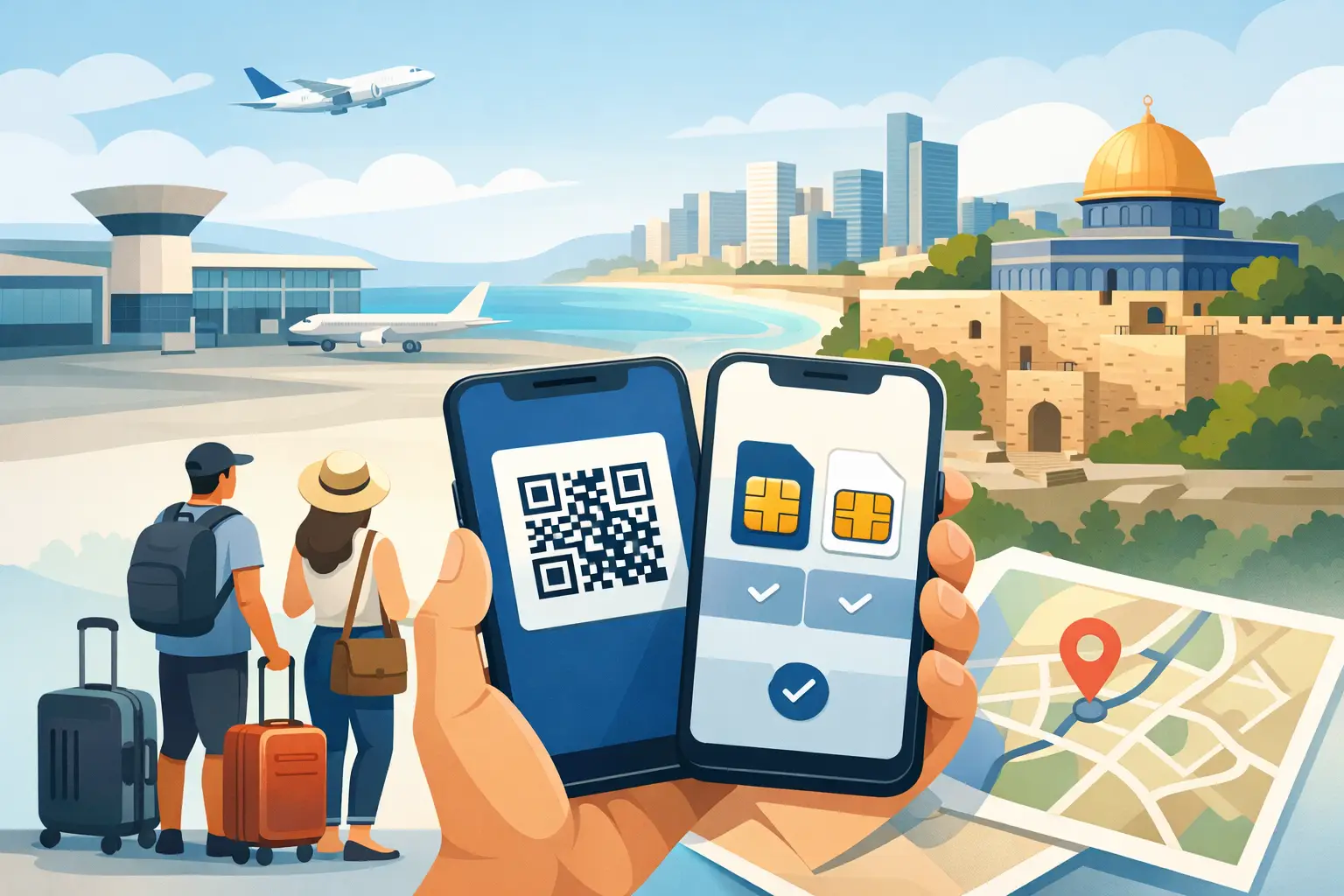
Start by installing your Israeli eSIM before departure, ideally while you still have reliable Wi-Fi. You will typically receive a QR code and activation instructions after purchase. Add the eSIM to your phone, label it clearly - for example, “Israel Data” - and do not delete it before your trip is over.
Once the eSIM is installed, set it as your preferred mobile data line when you arrive in Israel. Keep your home line turned on only if you need to receive calls or SMS. If you do, check your home carrier's roaming policy first. Receiving or making calls on that line may create roaming charges, even when your data is assigned to the Israeli eSIM.
A practical configuration looks like this:
- Your Israeli eSIM is selected for cellular data.
- Data roaming is enabled for the Israeli eSIM only if its activation instructions require it.
- Data roaming is disabled on your home line.
- Your home line remains available for essential texts and calls, subject to your carrier's charges.
- Your Israeli number is used for local calls, local SMS, and services that need a +972 number, when included with your plan.
These settings give you control. You are not relying on airport Wi-Fi, searching for a store after a long flight, or guessing which carrier setting is using your data.
Why Local Data Should Be Your Default
Your phone may automatically try to switch data between lines if a setting such as “Allow Cellular Data Switching” is enabled. That can be useful at home, but it is risky while traveling. If your home line takes over data briefly, it may trigger roaming use.
Turn off automatic cellular data switching before or upon arrival. Then confirm that your Israeli eSIM is the designated data line. If your phone shows a signal indicator for both lines, that is normal. The key setting is which line carries data.
For travelers who use a lot of navigation, video calls, social media, or hotspot data, this one choice can make the biggest difference in controlling costs.
Check These Details Before You Buy
Not every phone supports eSIM, and not every eSIM-capable phone can use two active lines in the same way. Check that your device is eSIM-compatible, carrier-unlocked, and capable of supporting the dual SIM arrangement you want. A locked phone may reject an eSIM from another provider even if it has eSIM hardware.
Also check how your phone handles calls. Many modern devices support Dual SIM Dual Standby, meaning both lines can remain reachable while the phone is idle. However, behavior can vary during an active call. If you are speaking on one line, the other line may temporarily be unavailable for calls or messages.
This is rarely a problem for a short trip, but it is worth knowing if you expect time-sensitive verification codes. Banking, work platforms, and some messaging services may send SMS codes to your home number. Keep that line active if you need those messages, but prevent it from becoming your data source.
If you use an iPhone, review the Cellular or Mobile Data settings after adding the eSIM. On Android, look for SIM Manager, Network & Internet, or Mobile Network settings. The names vary, but the goal is the same: select the Israeli eSIM for data, disable roaming on your home line, and label each line clearly.
Using Your Israeli Number Locally
Data alone handles a lot, but a real Israeli number can be useful when you need a local point of contact. Depending on your selected prepaid plan, your eSIM may include a +972 number along with local calling and SMS allowances.
That can help with restaurant reservations, delivery coordination, local businesses, tour operators, and contacts who prefer calling or texting an Israeli number. It also makes your phone feel more practical for everyday travel rather than data-only.
Use the correct line when placing calls. Your phone may ask which number to use the first time you call a contact, then remember your preference. For local Israeli calls, select the Israeli line. For a call to a contact back home, consider using a data-based calling app if you want to avoid international calling charges on either mobile line.
Remember that availability of local calls, SMS, and a +972 number depends on the plan you choose. Review the plan details before checkout so the service matches how you expect to use your phone.
Hotspot, Maps, and Everyday Travel Use
A dual SIM setup is especially useful when your phone becomes the connection point for the rest of your trip. If your plan supports hotspot use, you can share your Israeli data connection with a laptop, tablet, or another device without putting your home line into roaming mode.
This is helpful for business travelers working between meetings in Tel Aviv or Jerusalem, families coordinating multiple devices, and visitors who need stable access while moving between accommodations. Network availability and speeds naturally vary by location, building, device, and local conditions, but having local mobile data gives you far more flexibility than depending on public Wi-Fi.
Use your data thoughtfully. Download offline maps before traveling, connect to trusted Wi-Fi at your hotel when available, and keep an eye on your phone's data usage screen. Background photo backups, app updates, and high-resolution video can use a large share of your allowance without much warning.
Common Dual SIM Setup Mistakes
The most common mistake is installing an eSIM but leaving the home line selected for data. The second is turning off the home line entirely, then realizing you need a verification text sent to that number. Neither issue is difficult to fix, but both are easier to avoid with a quick settings check before takeoff.
Another mistake is waiting until landing to install the eSIM. Installation is usually straightforward, but airport Wi-Fi can be slow or require a login page. Set up the eSIM in advance, save the QR code and instructions somewhere accessible, and activate according to the plan's timing guidance.
Finally, do not remove your home SIM or delete your home eSIM unless you have a specific reason. Dual SIM travel is about choice: local connectivity when you need it and continued access to your familiar number when it matters.
With eSIM Israel, travelers can arrange a prepaid local line before departure and arrive ready to use maps, messages, local services, and hotspot data without an airport SIM search. Take two minutes to check your line labels and data settings before boarding - that is often the difference between landing disconnected and getting on with your trip.
eSIM Israel Team
Last updated