
In This Article
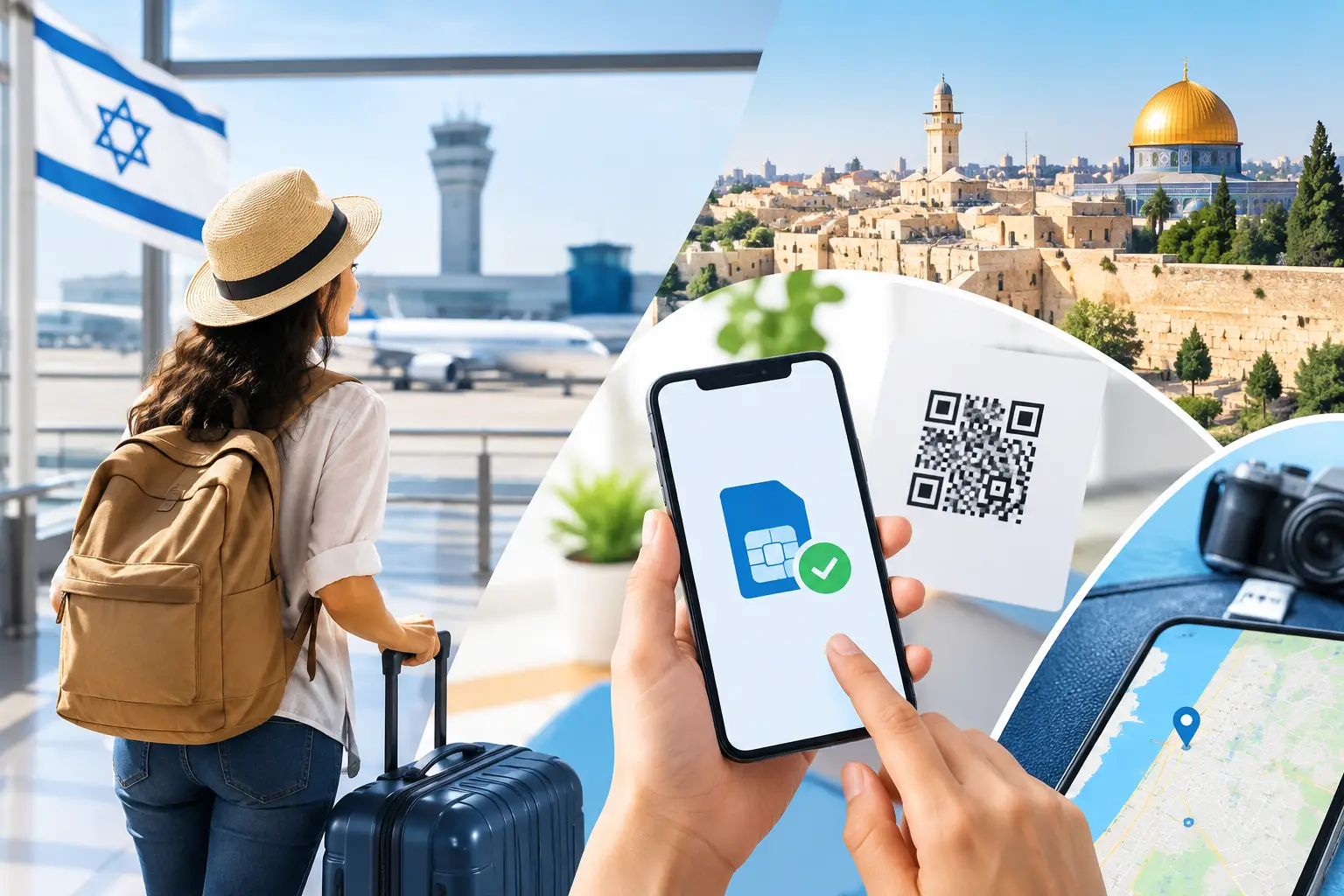
Your first minutes after landing are usually when you need your phone most. You may be arranging a ride, messaging family, finding your hotel, or opening a map. When you choose an eSIM before your Israel flight, mobile service is one less thing to solve after a long journey.
A prepaid tourist eSIM lets you set up your plan while you still have reliable Wi-Fi at home or at the airport. Once you arrive in Israel, you can connect without hunting for a mobile shop, comparing unfamiliar plans, or risking expensive international roaming charges. For many visitors, that convenience is reason enough. But the right eSIM can also give you practical local tools: mobile data, a real Israeli +972 phone number, local calls, SMS, and hotspot support.
Why choose an eSIM before your Israel flight?
Buying connectivity before departure changes the arrival experience. Instead of relying on airport Wi-Fi or waiting until you reach your accommodation, you can have a plan prepared on your phone before takeoff. That means you can get directions from Ben Gurion Airport, contact a driver, receive messages, and handle last-minute travel changes with data ready to use.
It is also easier to make a clear decision before you travel. You have time to check your phone's compatibility, compare data allowances, and choose a prepaid option that fits the length and purpose of your trip. You know what you are paying before you leave, with no contract and no surprise roaming bill waiting at home.
For business travelers and diaspora visitors, a local number can be just as useful as data. Some local services, delivery drivers, accommodations, and contacts prefer an Israeli number. A real +972 number gives you a more local way to call and receive calls during your stay.
What to look for in an Israel tourist eSIM
Not every travel eSIM offers the same features. Some plans are data-only, which can work well if you only need maps, email, and messaging apps. Others include a local phone number, calling, and SMS. The better choice depends on how you expect to use your phone in Israel.
Check your phone before you buy
Your smartphone must be eSIM-compatible and unlocked for use with another mobile provider. Many recent iPhone, Google Pixel, Samsung Galaxy, and other flagship devices support eSIM, but availability can vary by model and country of purchase.
Check your device settings or manufacturer specifications before buying. If your phone supports eSIM but already has another eSIM installed, confirm that it can store and use an additional travel eSIM. Most travelers can keep their home line active for texts or authentication while using the Israel eSIM for mobile data, but your exact setup depends on your device and carrier settings.
Choose data based on your real habits
Maps, rideshare apps, WhatsApp, email, social media, and restaurant searches use data every day. If you plan to upload videos, join video calls, work remotely, or share a hotspot with a laptop, your needs will be higher than a traveler who mainly uses maps and messaging.
Do not choose the smallest plan solely because it has the lowest price. Running out of data halfway through a trip can be inconvenient, especially on busy days moving between Tel Aviv, Jerusalem, Haifa, the Dead Sea, or Eilat. At the same time, travelers with short stays and light use do not always need the largest allowance. Match the plan duration and data amount to your itinerary rather than guessing.
Decide whether a local number matters
A data-only eSIM is enough for travelers who communicate entirely through internet-based apps. However, a plan with a real Israeli +972 number is often the more practical option if you expect to make local calls, receive traditional SMS, or communicate with local businesses and service providers.
This is particularly useful when an app is not the preferred method of contact. A local number makes it easier to call a hotel reception, coordinate with a guide, or give a reachable number to a local contact. If that convenience matters to you, verify that your selected plan includes voice calling and SMS, not only data.
Confirm hotspot availability
Hotspot support can turn your phone into a connection for a laptop, tablet, or another device. It is valuable for travelers who need to work from a café, share data with a travel companion, or handle an urgent task away from Wi-Fi.
If you expect to tether frequently, choose a plan with enough data headroom. Hotspot use can consume data faster than normal phone use, especially during video meetings, file uploads, or software updates.
Install before departure, activate when appropriate
The best time to install an eSIM is before you travel, while you have stable internet and time to follow the setup instructions. With eSIM Israel, installation is handled digitally through a QR code, so there is no physical card to collect or swap.
In most cases, you will scan the QR code from your phone settings, add the cellular plan, and label it clearly, such as “Israel Travel.” Keep your primary line labeled separately so you can tell them apart. Do not delete the eSIM after installation unless instructed to do so, since you may need it for the plan to connect when you arrive.
Activation rules vary by plan. Some begin when the eSIM first connects to an Israeli network, while others may have specific timing instructions. Read the plan details before installation so you do not start your validity period earlier than intended. If you are unsure, install the eSIM before your flight but wait to enable the travel line or data roaming settings as directed when you land.
Set your phone up to avoid unwanted roaming
An eSIM helps you control travel costs, but your phone settings still matter. Before boarding, review which line is assigned to cellular data and which line handles voice calls. Once you arrive, set your Israel eSIM as the cellular data line if that is how your plan is designed to work.
Turn off data roaming on your home SIM to reduce the chance of accidental charges from your regular carrier. If you want to keep receiving texts on your home number, leave that line enabled only if your carrier's policies and your settings make sense for your trip. Travelers who do not need their home line often switch it off entirely while abroad.
Also consider disabling automatic app updates and cloud backups over cellular data. These background tasks can use a meaningful amount of data without providing much immediate value during a short visit.
Expect local service, not magic in every location
A prepaid Israel eSIM is designed to connect you to local mobile service, often through major Israeli networks and prepaid providers. You can expect useful connectivity in the places where travelers spend most of their time, including cities, hotels, transport routes, and popular visitor areas.
Still, mobile reception depends on location, terrain, building materials, network conditions, and congestion. Service can be weaker in remote areas, underground spaces, elevators, shelters, and restricted security zones. 4G or 5G availability can also vary by location and device. A good travel plan gives you a reliable local option, not a promise of identical signal everywhere.
A quick pre-flight checklist
Before you leave for the airport, make sure you have completed four practical tasks:
- Confirm your phone is unlocked and supports eSIM.
- Select a prepaid plan with the right data amount, duration, and local features.
- Install the eSIM using the QR code while connected to dependable Wi-Fi.
- Review your cellular settings so your home line does not use roaming data by mistake.
Take a screenshot of your activation instructions and keep your purchase details accessible offline. If airport Wi-Fi is slow or unavailable, having those details saved can make setup much easier.
The best time to make the decision
The best time to arrange mobile service is not after you land. It is when you can compare plans calmly, confirm compatibility, and install everything without pressure. Whether you are visiting for a family event, a business meeting, a holiday, or your first trip to Israel, arriving with your connection already prepared gives you a more useful first hour in the country.
Choose the plan that fits how you travel, set it up before departure, and let your phone be ready for the moments that cannot wait.
eSIM Israel Team
Last updated