
In This Article
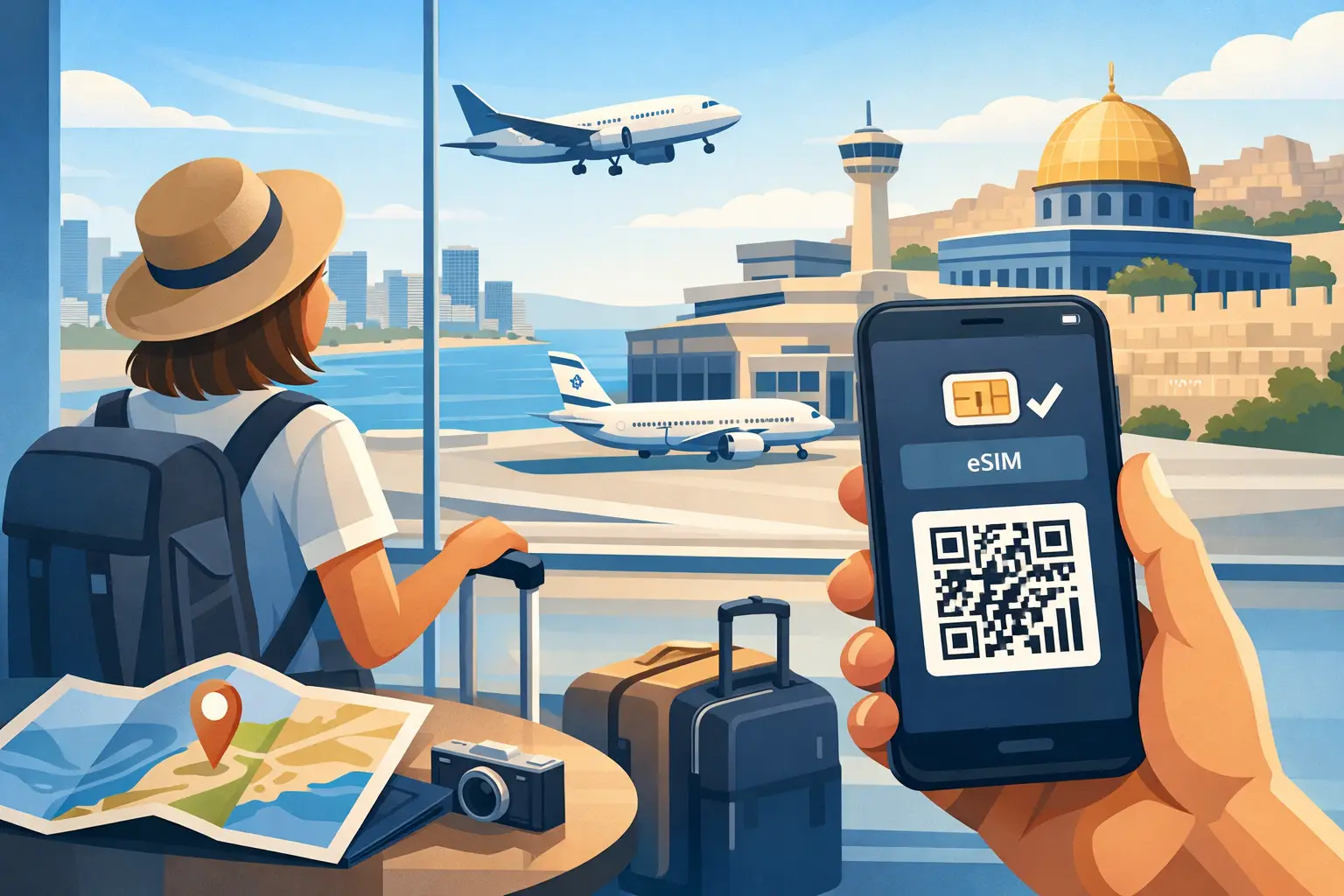
You have landed at Ben Gurion, switched off airplane mode, and need Maps, a ride, or a message home. So, does eSIM work after landing? Yes - if your eSIM has been installed correctly and the plan is activated or ready to activate in Israel, it can connect once your phone finds a supported local network. The key is knowing which setup steps belong before your flight and which belong after you arrive.
An eSIM removes the need to search for a store at the airport or pay unexpected roaming rates through your home carrier. But it is not magic. Your phone still needs to be compatible, unlocked, configured correctly, and within an area with mobile service. A few minutes of preparation before departure makes a major difference when you land.
Does eSIM work after landing in Israel?
A travel eSIM can work shortly after you land in Israel. Once you turn off airplane mode, your phone searches for an available local mobile network. If the eSIM line is enabled and its mobile data settings are correct, your phone should connect and begin using the plan.
The exact timing depends on the plan. Some eSIMs activate when they first connect to an Israeli network. Others are activated during installation or require you to follow a specific activation instruction. Read the instructions that come with your plan rather than assuming that scanning a QR code alone starts service.
It also helps to separate two terms that are often confused. Installation means adding the eSIM profile to your phone, usually by scanning a QR code. Activation means the mobile plan is live and able to connect to a network. You can often install the eSIM at home over Wi-Fi, then let it activate when you arrive in Israel.
For travelers who need a real Israeli +972 number for local calls, SMS, deliveries, or account verification, choose a prepaid plan that specifically includes one. Data-only travel eSIMs cannot provide local calling or text messaging just because they connect to an Israeli network.
Set up your eSIM before takeoff
The best time to install an eSIM is before departure, while you have dependable Wi-Fi and time to review each screen. Do not wait until you are standing in the arrivals hall with a low battery and no connection.
First, confirm that your phone supports eSIM technology and is carrier-unlocked. Many newer iPhone, Samsung Galaxy, Google Pixel, and other recent devices support eSIM, but availability can vary by device model, country of purchase, and carrier restrictions. A locked phone may reject an eSIM from another provider even if it has eSIM capability.
Next, add the eSIM using the QR code or manual details provided with your purchase. Keep the QR code available until you confirm the line is installed. On most phones, you will be asked to label the new line. Use a clear label such as “Israel eSIM” so you do not accidentally select your home line for data later.
Before boarding, check these four details:
- The Israel eSIM is installed and turned on in your cellular settings.
- Mobile data is assigned to the Israel eSIM when you arrive.
- Data roaming is enabled for the Israel eSIM if the plan instructions require it.
- Cellular data switching to your home line is turned off, so your phone does not fall back to expensive roaming.
That final setting matters. Some phones automatically switch data lines when the selected line has a weak signal. If your home line allows international roaming, that can create charges you did not intend to use. Keeping the Israel eSIM as the dedicated data line gives you more control.
What to do when you land
After landing, keep your phone in airplane mode until the cabin crew says it is safe to turn it off. Then switch airplane mode off and give your device a minute or two to search for a network. A temporary lack of signal immediately after landing does not always mean there is a problem.
Open Settings and make sure your Israel eSIM line is enabled. Select it as the mobile data line, then verify the roaming setting required by your plan. This wording can be confusing: enabling data roaming for a travel eSIM does not mean you are using your home carrier’s roaming service. It allows the eSIM to connect according to its network configuration. Follow the plan instructions for the correct setting.
If your phone has a network selection option, leave it on Automatic first. Israeli prepaid eSIM plans may use access through leading local mobile networks, depending on the selected plan. Automatic selection usually finds the appropriate network without extra work.
Once the signal indicator appears, test your connection with a simple task. Open a map, send a message, or load a webpage. If your plan includes a +972 number, test a local call or SMS only after confirming that voice and text service are included and fully active.
Why an eSIM may not connect right away
Most post-landing issues are settings issues, not a failed eSIM. Start with the basics: confirm airplane mode is off, the eSIM is enabled, and mobile data is assigned to the correct line. Then restart your phone. A restart prompts the device to register with the network again and resolves many first-connection problems.
If you see signal bars but cannot use data, review the cellular data and roaming settings. Also check whether your plan requires an APN setting. Many travel eSIMs configure this automatically, but some need a specific APN entered manually. Use only the details supplied with your plan.
If there is no signal, try switching network selection from Automatic to Manual and choose one of the available supported networks if your instructions identify one. Then switch back to Automatic after testing. Avoid repeatedly deleting and reinstalling the eSIM. A QR code may have a limited number of uses, and removing a working profile can make troubleshooting harder.
There are also normal coverage limits. Mobile service is generally available across major cities and travel routes, but signal can vary by building, terrain, congestion, and local conditions. Underground areas, elevators, sheltered locations, and remote parts of the desert may have weaker reception. A local eSIM gives you the right mobile setup for Israel, not a guarantee of identical signal in every location.
Can you install it after landing instead?
Yes, provided you have a reliable internet connection to download the profile. Airport Wi-Fi can be useful for this, but it introduces a dependency at the exact moment you want to be connected. Wi-Fi sign-in pages, weak signals, battery pressure, and the need to locate your QR code can all slow the process down.
Installing before your trip is usually the cleaner option. You can complete the setup calmly, keep your primary line active for calls if needed, and simply switch your mobile data to the Israel eSIM after landing. If your plan begins on first network connection, installing early does not necessarily use plan time before you travel, but always check the plan terms.
Keep your home number without using home data
Many travelers want to keep their US or international number available for bank texts, family calls, or two-factor authentication. Dual-SIM phones can often keep both lines active: your home line for receiving essential calls or SMS, and the Israel eSIM for mobile data.
The trade-off is cost control. Receiving or making calls on your home line may still trigger roaming charges, depending on your carrier. Turn off data roaming on that line, use Wi-Fi calling only when you understand your carrier’s terms, and direct mobile data through the Israel eSIM. For internet-based calling and messaging apps, your local eSIM data connection is usually all you need.
A better first hour in Israel
Your eSIM should support the practical jobs that begin the moment you arrive: checking directions, ordering a ride, messaging your host, accessing email, and looking up local information. A plan with hotspot support can also connect a laptop or another device when you need to work on the move.
For a straightforward setup, install your plan before departure, save the activation instructions offline, and make the Israel eSIM your data line after landing. eSIM Israel offers prepaid tourist plans designed for this arrival-day use case, with options that may include local data, calling, SMS, hotspot use, and a real Israeli number.
Landing is much easier when your connection is already handled. Give your phone a moment to find the network, check the right settings once, and get on with your trip.
eSIM Israel Team
Last updated