
In This Article
A delayed flight into Ben Gurion, a first meeting in Jerusalem at 9:00 a.m., and no time to hunt for a mobile shop is a common business-travel problem. This Jerusalem business connectivity example shows what a practical mobile setup looks like when you need maps, messages, local calls, and a dependable way to keep working from the moment you arrive.
The goal is not to turn a short visit into a telecom project. It is to arrange prepaid mobile service before departure, activate it in a few minutes, and use your phone like a useful local business tool once you are in Israel.
A Jerusalem business connectivity example in practice
Picture a consultant flying in from the US for three days of client meetings. The schedule includes a hotel near the city center, a meeting in Talpiot, a site visit near Har Hotzvim, dinner with a local partner, and a return to the airport before sunrise. Every part of that schedule depends on a working phone.
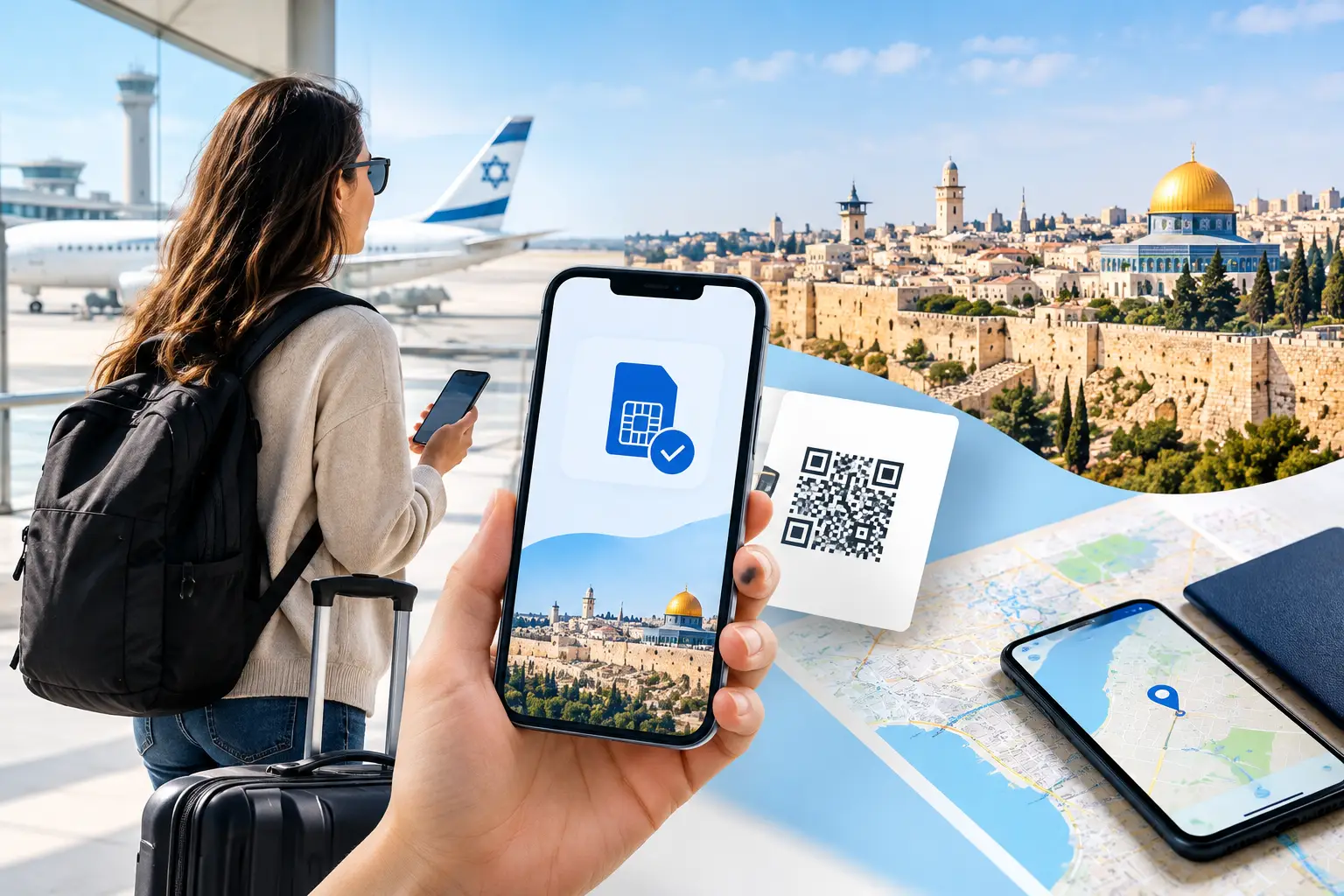
Before boarding, the traveler buys a prepaid Israel eSIM for a compatible, unlocked smartphone. They receive a QR code, install the eSIM while connected to Wi-Fi, and keep their primary SIM active only if they need it. On arrival, they switch on the Israel eSIM line and connect to local mobile service without standing in an airport SIM line.
That setup provides more than directions from the airport. It can provide mobile data for navigation and email, a real Israeli +972 phone number for local contacts, calling and SMS allowances when included with the selected plan, and hotspot capability for a laptop or second device. The precise features depend on the plan, so travelers should check data size, calling, SMS, hotspot terms, and validity before purchase.
For a short business trip, those details change the experience. A local contact can call a familiar Israeli number instead of paying to reach an overseas line. A restaurant, driver, coworking space, or office receptionist can send a confirmation by text. If venue Wi-Fi is slow or unavailable, a laptop can connect through the phone's hotspot.
Why a local number can matter in Jerusalem
Data-only access handles many tasks, especially WhatsApp, email, and calendar apps. But business travel is full of small moments where a local number is simply easier. A host may call when the building entrance is locked. A client may send an SMS with a meeting update. A driver may need to reach you while navigating a busy pickup area.
Jerusalem also has a different rhythm from a standard office trip. Meetings can move quickly between neighborhoods, streets can be unfamiliar, and Friday or holiday schedules may change access to services and transportation. A working local line reduces the friction of solving those problems in real time.
A +972 number does not replace good planning. Share your itinerary, save key addresses offline, and confirm appointments before traveling. It does give you a more practical way to communicate once plans change, which is often when connectivity matters most.
Build the right setup before you leave
Start with phone compatibility. Your device must support eSIM technology and be unlocked for use with another mobile provider. This is worth checking early, especially if your phone was purchased through a carrier installment plan. An eSIM cannot be installed on a locked device unless that carrier permits it.
Next, estimate usage honestly. A traveler who checks messages, uses maps, and handles email may need far less data than someone running video calls, uploading presentation files, or tethering a laptop throughout the day. Video conferencing and hotspot use can consume data quickly. If your work depends on them, choose enough data rather than relying on public Wi-Fi as your backup plan.
Install the eSIM before departure whenever possible. You need an internet connection to receive and scan the activation QR code, and it is easier to follow setup prompts from home or from the airport before boarding. Do not delete the eSIM profile after installation unless you have been instructed to do so. Keep the QR code and order details accessible until you confirm the line is working.
When you land, make sure the Israel eSIM is selected for mobile data and that data roaming is enabled on that eSIM if the activation instructions require it. Turn off mobile data roaming on your home line to avoid accidental roaming charges. Labels such as “Home” and “Israel Business” can make dual-SIM settings much easier to manage.
Use dual SIM settings with purpose
Many modern phones can use a physical SIM and an eSIM, or two eSIM lines, at the same time. That flexibility is useful, but it can create bill surprises if settings are left on automatic.
Set the Israel eSIM as your data line. Decide whether local calls and SMS should use the Israeli number or your usual line. If you need one-time passcodes from your bank or airline sent to your home number, keep that line available but restrict its data use. If the phone offers a setting that automatically switches mobile data between lines, turn it off unless you understand exactly how it works.
For business travelers, the cleanest arrangement is usually simple: Israel eSIM for data and local communications, home line available only for essential incoming messages. Your phone will still run the apps you already use, including email, maps, messaging platforms, ride services, and authentication tools.
Plan for the work that actually needs mobile data
A local eSIM is most valuable when it supports the tasks that cannot wait for hotel Wi-Fi. Navigation is the obvious one, but it is only the start. You may need to open a shared slide deck outside an office, send a signed document, join an urgent call from a car, translate a message, or locate a new meeting entrance.
Hotspot use is especially helpful when a laptop needs a quick connection between meetings. It is not a substitute for a dedicated office internet connection during a full-day presentation or large file transfer. Battery life and data consumption both rise when tethering, so carry a power bank and monitor usage if the plan has a fixed allowance.
Mobile reception can vary by building design, neighborhood, local conditions, and network availability. Do not assume a signal will be equally strong indoors, underground, in elevators, or in restricted security areas. For important calls, arrange a backup option such as venue Wi-Fi or a confirmed call-in number.
What to check before buying a prepaid Israel eSIM
The best plan is the one that matches the trip, not necessarily the one with the biggest data figure. Confirm the plan validity covers your full stay, including arrival and departure days. Review whether high-speed data applies up to a stated allowance and what happens after that allowance is used.
Also confirm whether local calls, SMS, and a real Israeli number are included. These features are particularly useful for this Jerusalem business connectivity example because the traveler is meeting local people and moving between several locations. If you only need messaging and maps, a data-focused option may be enough. If clients, drivers, or offices need to call you directly, a local-number plan is the more practical choice.
Check hotspot availability before assuming you can connect a laptop. Review activation instructions and make sure secure payment, support information, and plan terms are clear before completing the order. Prepaid pricing should be straightforward: you know what you are buying, when the plan expires, and what is included.
eSIM Israel is designed for this type of short visit, with tourist-friendly prepaid options that may include high-speed 4G or 5G data, local calling, SMS, hotspot support, and a real +972 number depending on the plan selected.
A calmer arrival leads to a better first meeting
Business travel has enough variables without adding mobile setup to the list. Install your eSIM before leaving, choose a plan that fits your actual workload, and set your phone so your home carrier does not become an accidental data connection. Then, when a meeting moves, a driver calls, or your laptop needs a quick hotspot, your phone is ready to do its job.
That is the practical value of local connectivity in Jerusalem: less time solving access problems and more time being present for the work that brought you there.
eSIM Israel Team
Last updated