
In This Article
A data connection gets you maps, ride apps, and messages. But when a hotel desk, restaurant, doctor, tour operator, or local business needs to call you back, data alone may not be enough. The ability to make local calls with eSIM gives short-term visitors a practical Israeli number and a simpler way to handle everyday plans after landing.
For travelers in Israel, the key difference is whether an eSIM includes a real Israeli +972 phone number with voice calling and SMS. Many travel eSIMs are data-only. They can be useful for internet access, but they cannot place standard calls to Israeli landlines or mobile numbers. Choose the right prepaid eSIM before your trip, and you can arrive ready to call locally without looking for mobile service at the airport.
What You Need to Make Local Calls With eSIM
Not every eSIM works like a local phone plan. To call Israeli numbers directly, your selected plan needs three things: voice-call support, a real Israeli phone number, and an allowance for local minutes. SMS may also be valuable for appointment confirmations, delivery updates, verification codes, and contact from local businesses.
A real Israeli number begins with the country code +972. It gives you a local point of contact while you are visiting, which can be more useful than relying solely on an overseas number or an internet calling app. It also means people in Israel can reach you using a familiar domestic dialing format.
Before purchasing, check the plan details rather than assuming that every eSIM includes calling. Look for clear information about local call minutes, SMS allowance, data volume, hotspot availability, validity period, and the supported mobile networks. A prepaid tourist plan should make these details easy to understand before checkout, with no contract and no surprise charges.
Why a Local Number Matters During an Israel Trip
Most travelers can message friends through Wi-Fi or mobile data. The gap appears when a local service relies on a standard phone call. A hotel may call with a room update. A guide may need to tell you where to meet. A restaurant might call to confirm a reservation. A local business can also be more likely to return a call to an Israeli number than to an unfamiliar international number.
This is particularly helpful for business travelers and diaspora visitors coordinating meetings, family plans, or services across Tel Aviv, Jerusalem, Haifa, and other destinations. You are reachable from the moment your eSIM connects to an Israeli network, rather than waiting to find a store or changing the number you give to local contacts.
It does not mean traditional calling replaces data. The strongest setup combines both. Use your plan's data for navigation, email, messaging, and ride apps. Use local voice minutes when a direct call is faster, clearer, or required by the person on the other end.
How to Set Up an eSIM for Local Calls
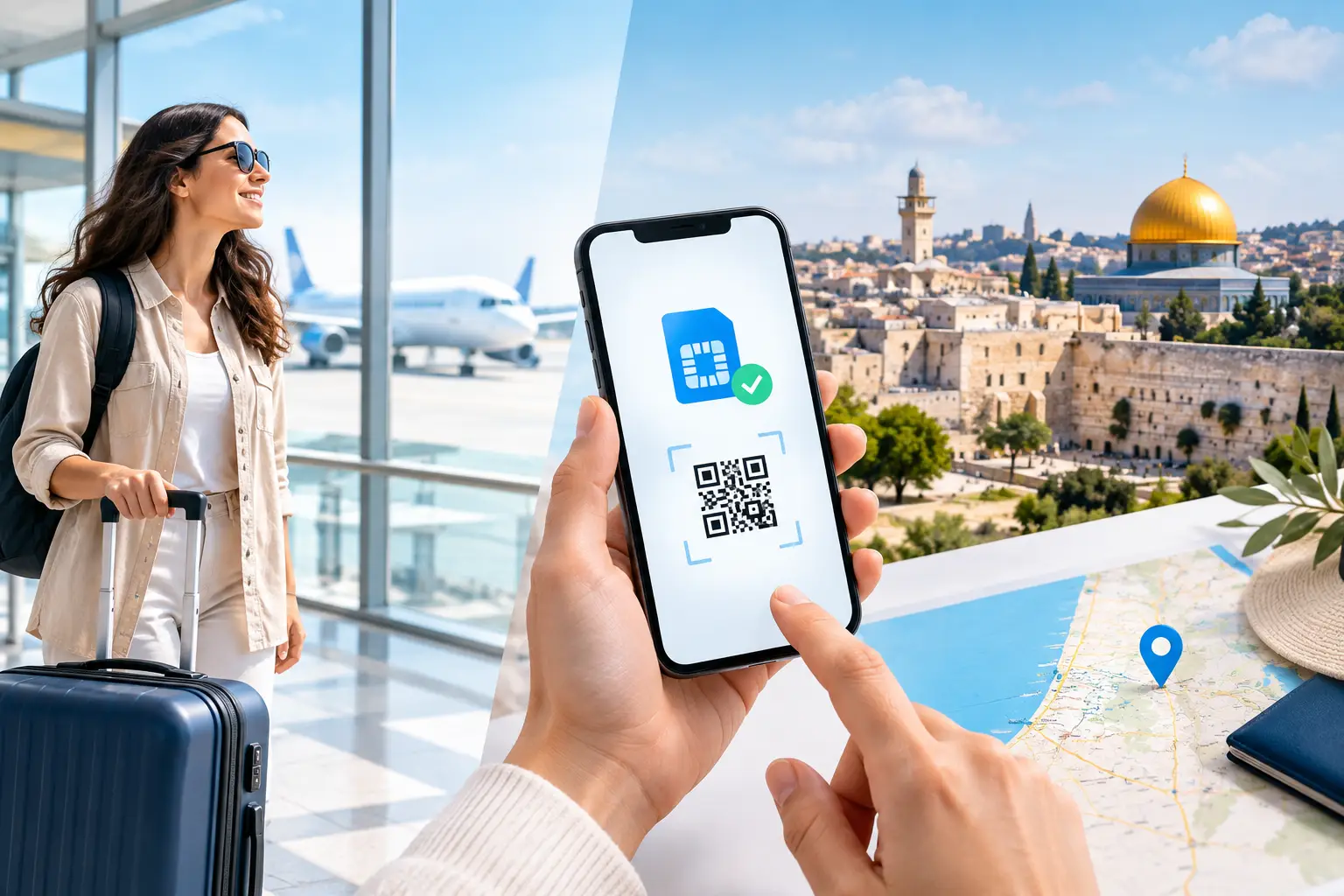
The process is straightforward, but timing matters. Buy and install the eSIM while you still have reliable internet access, ideally before departure. Most compatible phones let you add the eSIM by scanning a QR code and following the on-screen prompts.
1. Check phone compatibility and carrier status
Your phone must support eSIM technology and be carrier-unlocked. An unlocked device can connect to a different mobile provider while you travel. If your phone is locked to a home carrier, it may reject an Israeli eSIM even if it supports eSIM in general.
Also make sure your phone has enough space for another mobile line. Many newer smartphones support dual SIM use, allowing your home line and travel eSIM to remain installed at the same time. The exact setup varies by device, so review your phone's cellular settings before you leave.
2. Install the eSIM before you fly
After purchase, scan the QR code and add the eSIM to your phone. Label it clearly, such as “Israel,” so it is easy to identify when adjusting call and data settings later. Do not delete the eSIM profile after installation unless you have been instructed to do so, as reinstalling may not always be possible.
Activation instructions differ by plan. Some eSIMs activate when they first connect to a supported Israeli network, while others may have a specified activation window. Follow the instructions included with your purchase and avoid turning on the line too early if the plan is designed to start upon connection in Israel.
3. Set the Israeli eSIM for mobile data and calls
Once you arrive, turn on the eSIM line and enable data roaming for that travel line only if the setup instructions require it. This setting is commonly needed for travel eSIMs to access their assigned local network. Keep data roaming switched off on your home line to help prevent unexpected charges from your regular carrier.
In your phone settings, select the Israeli eSIM as the line for cellular data. If your eSIM plan includes voice service, choose it as the preferred line for calls while you are in Israel. If you keep both lines active, pay attention to the line selector on the call screen so you do not accidentally place a call through your home number.
4. Test the line before you need it
After the eSIM shows signal, test mobile data by opening a webpage or map. Then check that your Israeli number appears in the cellular settings or plan information. If you need voice service right away, make a brief local test call or ask a travel companion to call your Israeli number.
If the line does not connect immediately, restart your phone, confirm the eSIM is turned on, and verify that cellular data is assigned to the correct line. Network registration can take a few minutes after landing. If you are indoors or underground, move to an area with a clearer mobile signal before troubleshooting further.
How to Dial Israeli Phone Numbers
For local calls within Israel, you will usually dial the number in its domestic format, including the leading zero. For example, a mobile number may be written as 05X-XXX-XXXX, while a landline may use an area code such as 02 for Jerusalem or 03 for the Tel Aviv area.
If a business gives you its number in international format, dial it with +972 and remove the first zero. For example, 03-555-1234 becomes +972 3 555 1234. A mobile number written as 052-123-4567 becomes +972 52 123 4567.
Save important contacts in the international +972 format when possible. That format is more consistent if you later use a messaging app, switch lines, or need to call the person from outside Israel. For quick local dialing, however, the domestic format is generally familiar and easy to use.
Avoid Common Calling Problems
The most common mistake is purchasing a data-only eSIM and expecting standard calling to work. Internet calling apps may still function with data, but they are not the same as having a local number that can place regular calls or receive ordinary calls and SMS.
Another issue is choosing the wrong SIM line. With two active lines, your phone may default to your home number based on previous settings. Check the selected line before calling hotels, drivers, or local contacts. It takes seconds and can prevent unnecessary international carrier charges.
Finally, remember that mobile coverage depends on your precise location, device, and network conditions. Major cities and travel routes generally have strong service, but reception can be weaker in remote areas, underground spaces, elevators, shelters, or restricted zones. Download directions and essential details in advance when traveling beyond urban areas.
Choosing the Right Prepaid eSIM Plan
The best plan depends on how you travel. A visitor using mostly messaging and maps may need only modest call minutes. Someone coordinating family visits, business meetings, reservations, and drivers may benefit from a plan with a larger voice and SMS allowance alongside high-speed data.
Check that the plan explicitly includes local calling, not just data. Confirm the number of valid days matches your trip, and consider whether hotspot support matters if you plan to connect a laptop or tablet. eSIM Israel offers prepaid tourist options designed around these practical local needs, including plans with an Israeli +972 number, data, local calls, and SMS depending on the selection.
A local number is a small detail that can make a trip run more smoothly. Set it up before departure, keep your home line protected from roaming costs, and you can spend less time solving connectivity problems and more time getting where you need to go.
eSIM Israel Team
Last updated